The first time minifying JSON actually mattered to me was not on a website - it was on a microcontroller. I was shipping a configuration blob to a device with a few kilobytes of memory to spare, and the pretty-printed version I had been editing by hand was nearly twice the size of the same data with the whitespace removed. Same keys, same values, same structure - the only difference was thousands of spaces and newlines that existed purely so a human could read it. Strip those out and the payload fit. That is the whole trick behind minification, and it applies just as much to an API response served a million times a day as it does to a config file squeezed onto a chip.
This guide is the thorough version of how and why to minify JSON, built around the free JSON Minifier tool. I will explain what minification removes and what it deliberately leaves alone, why smaller JSON is faster, how minifying differs from formatting and from escaping, and one subtle property - number precision - that separates a careful minifier from a careless one. It is part of the same family as the JSON Formatter I use for the opposite job, and it belongs in the toolkit I laid out in the ultimate guide to JSON tools.
TL;DR: Minifying JSON removes every space, tab, and newline that sits between tokens, producing the smallest text that parses to the exact same data. Nothing about the keys, values, or their order changes - only the whitespace goes. The JSON Minifier validates your input first and reports the parser's exact error if it is malformed, strips whitespace only outside string literals so text inside your values is untouched, and preserves numeric tokens byte for byte so a value like 1.0 stays 1.0. A beautify mode reverses the process with 2 spaces, 4 spaces, or tabs. Everything runs in your browser.
What does minifying JSON actually do?
A JSON document is a sequence of tokens - braces, brackets, colons, commas, strings, numbers, and the literals true, false, and null. Between those tokens, the JSON grammar allows any amount of whitespace, and pretty-printed JSON uses that allowance generously: a newline after every comma, two or four spaces of indentation per level of nesting, a space after every colon. All of that whitespace is there for human eyes. A parser ignores it completely.
Minifying is the act of removing every one of those insignificant whitespace characters, leaving only the tokens themselves and the minimum punctuation the grammar requires. A config that reads as forty indented lines collapses to a single dense line. Crucially, the data is identical - parse the minified version and the pretty version and you get the exact same object, with the same keys in the same order and the same values. Minification changes the representation, never the meaning. The grammar this all rests on is published as RFC 8259, which is the authority on what counts as insignificant whitespace and what does not.
The one place whitespace is not insignificant is inside a string. The spaces in "hello world" are part of the value and must survive minification untouched. A correct minifier therefore cannot simply delete every space in the text; it has to track whether it is inside a string literal and leave that content alone. The JSON Minifier does exactly this, walking the text character by character and only dropping whitespace that sits between tokens, so a deliberate space inside one of your values is never lost.
Why bother minifying JSON at all?
The headline reason is size, and size translates directly into speed and cost on the web. Every byte of a JSON response has to travel over the network, and for a payload requested thousands or millions of times, the whitespace adds up to real bandwidth. Indentation and line breaks commonly account for a fifth to a third of a pretty-printed document's size, so minifying can cut a meaningful slice off every transfer. Smaller responses arrive faster, especially on slow mobile connections, and they cost less to serve when you are paying for egress. This is why virtually every production API returns minified JSON and every build tool that bundles data into a web app minifies it first.
There is a parsing benefit too, though it is smaller. A parser that does not have to skip over runs of whitespace has slightly less work to do, which matters at the margins for very large documents processed in a hot loop. And there is a storage angle that brought me here in the first place: when you are fitting JSON into a constrained space - a cookie with a size limit, an embedded device, a database column with a cap, a URL query parameter - the minified form is what makes it fit. The size-savings badge in the tool shows you the before and after in bytes and the percentage reduction, so you can see immediately whether a given document is worth minifying or was already lean.
What minifying does not buy you is secrecy or compression in the heavyweight sense. Minified JSON is still plain text and still perfectly readable to anything that parses it; removing whitespace is not encryption and not gzip. On the wire, JSON is usually gzip-compressed on top of minification, and the two are complementary - minification removes redundancy the grammar allows, and gzip removes redundancy in the byte stream. Minify for the reasons above, not because you think it hides anything.
How is minifying different from formatting, escaping, and compressing?
These four operations get muddled constantly, and keeping them straight saves you from reaching for the wrong tool. They act on different things and solve different problems.
Minifying removes insignificant whitespace to make a document smaller while keeping it valid JSON. Formatting, or beautifying, does the reverse: it adds indentation and line breaks to make a document readable, which is what you want when you are debugging an API response or editing a config by hand. The JSON Minifier does both, because they are two directions of the same axis - minify for machines, beautify for people. Escaping is a different axis entirely: it makes a chunk of text safe to place inside a JSON string by turning quotes and control characters into backslash sequences, which is the job of the JSON Escape / Unescape tool. And compression like gzip operates on raw bytes below the JSON layer, shrinking the transfer further after minification has done its part.
The table lays out the distinctions and points at the right tool for each.
| Operation | What it changes | Result is still JSON? | Tool |
|---|---|---|---|
| Minify | Removes whitespace between tokens | Yes, same data | JSON Minifier |
| Beautify / format | Adds indentation and line breaks | Yes, same data | JSON Formatter |
| Escape | Encodes text to sit inside a JSON string | It becomes a string value | JSON Escape / Unescape |
| Minify CSS | Removes whitespace from a stylesheet | It is CSS, not JSON | CSS Minifier |
| Minify HTML | Removes whitespace from markup | It is HTML, not JSON | HTML Minifier |
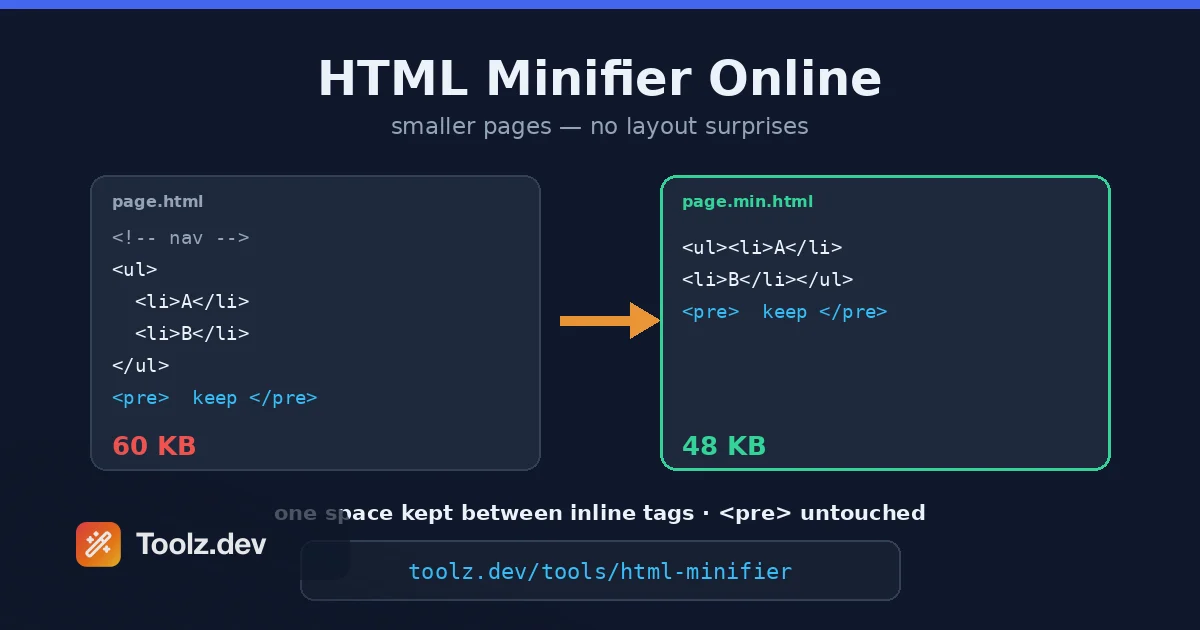
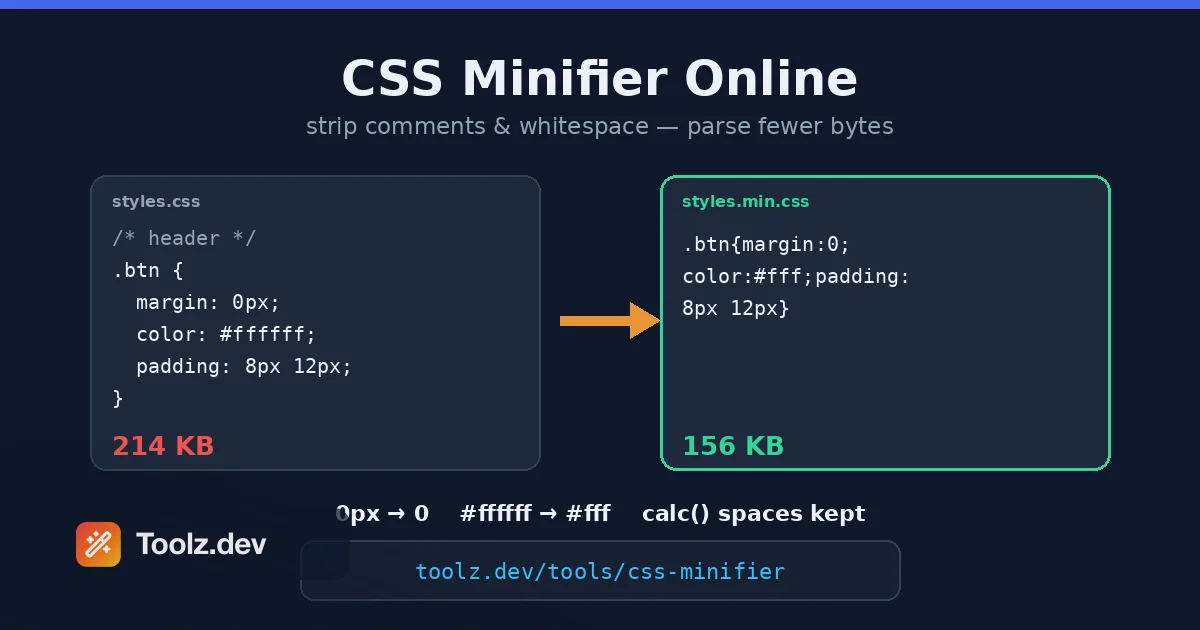
The same minify-for-shipping idea runs across formats, which is why the CSS Minifier and HTML Minifier sit right next to this one - a full build minifies the JSON data, the stylesheet, and the markup for the same bandwidth reasons.
Does minifying JSON ever change my data?
The correct answer is that minifying should never change your data, and a good tool guarantees it. But there is a subtlety that separates a careful minifier from a naive one, and it is worth understanding because it can bite you.
Many minifiers work by parsing the JSON into an in-memory object and then re-serialising it with no whitespace. That round trip is convenient, but it means every value passes through the language's number type on the way, and that can rewrite how numbers are written even though the mathematical value is unchanged. A value you wrote as 1.0 comes back as 1. A value like 1e3 comes back as 1000. An integer with more digits than the language's number type can hold precisely - anything beyond about sixteen significant digits - can come back subtly altered. For most documents none of this matters, but if your JSON carries version strings, database identifiers, or fixed-precision decimals as numbers, a reparse-and-restringify minifier can quietly corrupt them.
The JSON Minifier avoids the trap by minifying differently. It still validates your input by parsing it, so malformed JSON is caught and reported. But to produce the output it strips whitespace directly from your original text rather than re-serialising a parsed object, which means every numeric token is preserved exactly as you wrote it. A trailing-zero 1.0 stays 1.0; a thirty-digit integer keeps all thirty digits. You get the size reduction of minification without any risk of your numbers being rewritten - the best of validation and byte-for-byte fidelity. The beautify direction, being about readability rather than transport, does normalise formatting through a standard re-serialisation, which is the expected behaviour when you are reformatting for human reading.
How do I read the errors when my JSON will not minify?
The tool validates before it minifies, which means a malformed document produces an error rather than broken output - and that error is a feature, not an obstacle. It tells you the JSON has a real problem before you ship it somewhere that would reject it less helpfully.
The messages come straight from the JavaScript JSON parser and usually name a position. The most common causes are a trailing comma after the last element of an array or object, which strict JSON forbids; a key that is not wrapped in double quotes, since JSON requires quoted keys unlike JavaScript object literals; a string using single quotes instead of double; and an unbalanced bracket or brace where something was opened and not closed. Each of these is a small fix once you know where to look, and the reported position points you at the neighbourhood. If your source is actually JSONC - JSON with comments and trailing commas, as used in some config files - it will not minify as-is, because those are extensions rather than standard JSON; strip the comments and trailing commas first, or convert to strict JSON, and it will validate.
When the structure is valid but you cannot see why two documents behave differently, beautify both and compare them, or run them through the JSON Diff tool to see exactly which keys or values differ. Debugging JSON is much easier in its pretty form, which is the everyday case I made in the JSON Formatter guide. And because all of this validation and minification happens in your browser with nothing uploaded, you can safely paste payloads that contain API keys, tokens, or customer records - the privacy argument I set out in full in the data-privacy guide for online tools.
A worked example: from readable config to shipped payload
Here is the round trip that shows the tool earning its place. Say you have been editing a service configuration by hand, so it is pretty-printed for readability - object keys on their own lines, two-space indentation, a blank structure that is easy to scan. Before it goes into an environment variable with a length limit, you want it as small as possible.
Paste the config into the JSON Minifier, click Minify, and it collapses to a single line. The size badge might read something like 512 bytes down to 340, a reduction of a third, which is the difference between fitting the variable's limit and not. Copy the minified line straight into your environment file. Notice that a timeout you wrote as 1.5 is still 1.5 and a retry count of 3 is still 3 - the numbers are untouched, and if you had a long numeric identifier it would survive intact too, because the tool stripped whitespace rather than reparsing the values.
Weeks later a bug report has you staring at that same minified blob in a log, and it is unreadable as one dense line. Paste it back into the tool, click Beautify, choose two spaces, and it expands into the indented form you can actually scan. Fix the value, minify again, ship again. That two-way flow - beautify to read and edit, minify to store and send - is the daily rhythm, and having both in one place with a size read-out and exact error reporting is what makes it quick. For the wider set of build-and-ship utilities this sits among, the web developer toolkit rounds up the rest.
Frequently Asked Questions
How do I minify JSON online? Paste your JSON into the input area and click Minify. The tool removes all whitespace outside string values and shows the compressed result along with the size savings. Everything runs in your browser, so nothing is uploaded.
Does minifying JSON change the data? No. Minifying only removes the whitespace between tokens, so the keys, values, and their order stay identical. A minified document parses to exactly the same object or array as the original pretty-printed one.
Why minify JSON at all? Minified JSON is smaller, so it transfers faster over the network, uses less bandwidth, and parses slightly more quickly. API responses, configuration files, and data bundled into web apps are typically minified in production for these reasons.
Does this tool preserve number formatting like 1.0 or big integers? Yes. Because it strips whitespace rather than reparsing values, numeric tokens are kept exactly as you wrote them. A value like 1.0 stays 1.0 and a very large integer keeps all of its digits, which a parse-and-restringify minifier would rewrite.
What is the difference between minifying and beautifying JSON? Minifying removes whitespace to make JSON as small as possible for machines, while beautifying adds indentation and line breaks to make it readable for people. This tool does both: minify for shipping, beautify for editing and debugging.
Can it minify JSON with comments or trailing commas? No. Standard JSON does not allow comments or trailing commas, so the tool reports those as errors during validation. Remove comments and trailing commas first, or convert your JSONC to strict JSON, then minify.
Is it safe to minify sensitive JSON here? Yes. All processing happens in JavaScript inside your browser, so no JSON is sent to any server, nothing is logged, and the tool works with your connection disabled. You can safely minify payloads that contain API keys or personal data.
Why does my JSON show an error instead of minifying? The tool validates your input before minifying, so an error means the JSON is malformed, usually a missing or extra comma, an unquoted key, a single-quoted string, or an unbalanced bracket. The message includes the position of the problem so you can fix it.
This guide accompanies the free JSON Minifier tool on toolz.dev - no signup, no uploads, works offline.