For about two years I ran the billing for my freelance work off a note-taking app and a lot of squinting. Each day I would jot down the start and end of every work session, and at the end of the week I would try to add it all up in my head: 9:15 to 12:40 is, what, three hours and twenty-five minutes, plus an afternoon block of 1:30 to 5:50, carry the minutes, and somehow the total never came out the same twice. The problem was not that the arithmetic is hard. It is that clock time is base sixty, and my brain kept treating it as base ten, so 40 minutes plus 50 minutes became 90 in my head and then I forgot to convert the extra 30 into half an hour.
That recurring small tax on my attention is exactly what the time duration calculator on Toolz.dev removes. It measures the span between two times, shifts a time forward or back by a duration, and totals a list of durations, all in exact seconds so the base-sixty carrying is handled for you. This guide walks through each mode, the input formats it accepts, and the parts of clock arithmetic that trip people up.
TL;DR: The calculator works in three modes. Time Between gives the elapsed hours and minutes from a start time to an end time, handling overnight spans automatically. Add or Subtract shifts a time by a duration and tells you if it rolled into the next day. Sum Durations totals timesheet-style entries. Every result is shown as a clock value, a plain summary, and decimal hours, because payroll wants the decimal and schedules want the clock.
What does a time duration calculator do?
A time duration calculator measures lengths of time expressed in hours, minutes, and seconds - the same quantities RFC 3339 formalises for timestamps on the internet - and performs arithmetic on them. That covers three distinct questions that all involve clock time but are not the same operation.
The first is elapsed time: given a start and an end, how long was the span. The second is time shifting: given a start and a duration, what time do you arrive at. The third is accumulation: given a list of durations, what do they add up to. Each is a small calculation on its own, and each becomes error-prone the moment minutes need to carry into hours or the clock crosses midnight. The tool handles all three by converting every time and duration into a single count of seconds, doing the arithmetic on plain integers, and converting the result back into the format you asked for.
Working in seconds is the trick that makes it reliable. Once a time like 5:30 PM is stored as a number of seconds since midnight, subtracting one time from another is ordinary subtraction, with no special cases for the sixty-minute boundary. The base-sixty complexity lives only in the parsing and formatting at the edges, never in the math itself.
How do I calculate the number of hours between two times?
Use the Time Between mode. Enter the start time and the end time, and the calculator subtracts the start from the end to give the elapsed duration in hours, minutes, and seconds. A shift from 9:00 AM to 5:30 PM returns 8 hours and 30 minutes, shown as the clock value 08:30:00, the plain summary 8h 30m, and the decimal 8.5 hours.
The reason this is worth a tool rather than mental math is the carry. When the end minutes are smaller than the start minutes, you have to borrow an hour, turning the minute field into a value above sixty before subtracting. From 9:45 to 11:20 is not "two hours and negative twenty-five minutes"; it is one hour and thirty-five minutes, once you borrow. The calculator borrows automatically because it never works in the hour-and-minute representation in the first place; it subtracts the raw second counts and formats the result at the end.
How does it handle spans that cross midnight?
Overnight spans are where hand calculation breaks down most often, because the end time is a smaller clock value than the start time even though it is genuinely later. A shift from 10:00 PM to 6:00 AM looks like a negative eight hours if you subtract naively, but it is a positive eight hours in reality.
The calculator resolves this with a simple rule: when no dates are supplied and the end time is earlier in the day than the start time, it assumes the end falls on the next day and adds twenty-four hours. So 10:00 PM to 6:00 AM correctly returns 8 hours. This is the right default for the overwhelmingly common case of a single overnight shift. When a span runs longer than a day, or you want to be explicit, enter a start date and an end date in the optional fields, and the calculator uses the full calendar difference instead of the next-day assumption. That covers a task that began Monday morning and finished Wednesday afternoon without any guesswork.
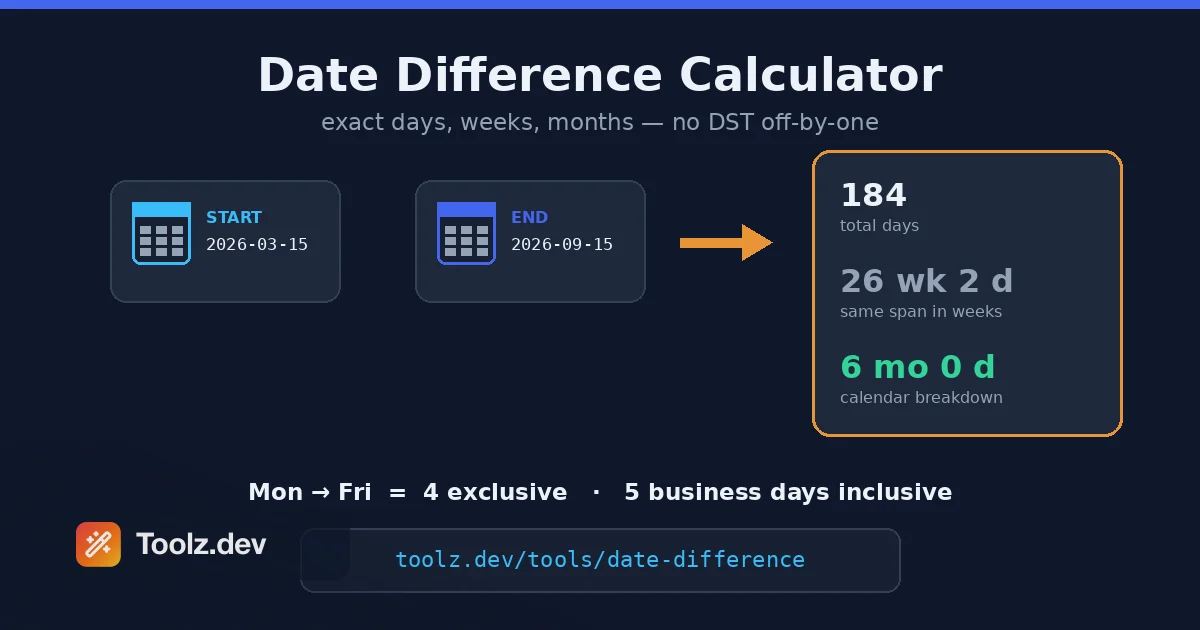
For counting whole days, months, or years between two calendar dates rather than clock time, that is a different question, and the date difference calculator is the right tool. The duration calculator is about hours and minutes; the date difference calculator is about the calendar.
What time and duration formats can I enter?
The parser is deliberately forgiving because people write times in different ways. For times, it accepts twelve-hour format like 9:00 AM or 5:30 PM, and twenty-four-hour format like 09:00 or 17:30. Seconds are optional, so 9:00 and 9:00:00 both work, and the meridiem is case-insensitive.
For durations, there are three accepted styles. The colon form writes hours and minutes as 1:30, or hours, minutes, and seconds as 1:30:15, and the hours field can exceed twenty-four, so 30:00 is a valid thirty-hour duration. The unit form spells out the pieces, as in 1h 30m, 90m, or 2d 4h 30m, in any order and with or without spaces. The decimal form treats a bare number as decimal hours, so 1.5 means one and a half hours. Being able to type 90m and have it understood as an hour and a half, or type 1.5 and get the same thing, is what makes the summing mode fast to use with whatever notation your existing records already use.
How do I add or subtract time from a given time?
Switch to the Add or Subtract mode, choose the operation, enter a starting time, and enter the duration to shift it by. Adding 2h 45m to 3:30 PM gives 6:15 PM. Subtracting 90m from 12:15 AM gives 10:45 PM, and because that crosses backward over midnight, the calculator notes that the result is on the previous day.
The day rollover is the detail worth calling out. When you add a duration that pushes past midnight, or subtract one that pushes before it, the resulting clock time alone is ambiguous, so the calculator reports how many whole days the result moved forward or back alongside the time. Adding twenty hours to 10:00 AM lands on 6:00 AM the next day, and the tool tells you it is plus one day, so you are never left wondering whether 6:00 AM means today or tomorrow. This is the operation behind questions like when a timer that starts now will finish, or what time a process that takes a known duration will complete.
How do I total a list of durations for a timesheet?
Use the Sum Durations mode. Enter each duration on its own line, such as 1:30, 2:15, 0:45, and 3:20, and the calculator adds them into one total, shown as a clock value, a plain summary, and decimal hours. Those four entries total 7 hours and 50 minutes, or 7.83 decimal hours.
This is the mode that would have saved me those two years of squinting. A timesheet is just a list of durations, and adding them by hand means carrying minutes across every line, which is where the errors creep in. The calculator sums the raw seconds and converts once at the end, so the carry is exact no matter how many entries you paste in. The decimal hours output is the part billing systems actually want, because an invoice multiplies an hourly rate by a decimal number of hours, not by an hours-and-minutes clock value.
Clock value, plain summary, or decimal hours: which should I use?
| Output form | Example | Best for |
|---|---|---|
| Clock value | 08:30:00 | Schedules, shift lengths, anything read as a time |
| Plain summary | 8h 30m | Quick human reading, notes, messages |
| Decimal hours | 8.5 | Payroll, invoicing, multiplying by an hourly rate |
| Total seconds | 30600 | Programming, exact comparisons, further math |
The three main forms are the same duration written for different audiences, and the calculator shows all of them so you never have to convert between them by hand. The one that surprises people is decimal hours, because 8h 30m becoming 8.5 is intuitive but 8h 20m becoming 8.33 is less so. The rule is that the fractional part is minutes divided by sixty, so twenty minutes is a third of an hour, or 0.33. Payroll uses this form precisely because you cannot multiply an hourly wage by "8h 20m" but you can multiply it by 8.33.
Why is my duration result negative or wrong?
A negative or surprising result almost always comes from one of two things. The first is an overnight span where you did not intend one, or intended one and did not get it. If you enter a start of 5:00 PM and an end of 9:00 AM meaning the same day, the calculator assumes the next day and returns sixteen hours, which is correct for an overnight shift but wrong if you transposed the two times. Check that the start really is earlier than the end for a same-day span. The second is a duration written in a form the parser does not recognize, such as mixing a colon and a unit like 1:30m; stick to one style per entry, either 1:30 or 1h 30m.
If a span genuinely runs across several days, the next-day assumption is not enough on its own, and you should enter explicit start and end dates so the calculator counts the full calendar gap rather than assuming a single midnight crossing. With dates supplied, the result reflects the real elapsed time no matter how many nights it spans.
How does this fit alongside other time tools?
Clock arithmetic is one corner of working with time, and the jobs around it usually pull in a couple of neighbors. When a duration needs to be reasoned about across regions, the timezone converter translates a time from one zone to another before you measure a span, which matters for scheduling calls with people on other continents. When the question is about the calendar rather than the clock, the date difference calculator counts days, months, and years, and the age calculator is the same idea aimed at birthdays and anniversaries.
I keep these in the same mental drawer as the rest of my quick-calculation habits, which I wrote about in developer productivity tools. For the calendar side specifically, the date difference guide goes deeper on counting days and business days, and it pairs naturally with duration math whenever a task spans both dates and clock times. Between the duration calculator for hours and the date tools for days, most scheduling and billing arithmetic is covered without a spreadsheet.
Frequently asked questions
How do I calculate the duration between two times?
Enter the start time and the end time in the Time Between mode, and the calculator subtracts one from the other to give the elapsed hours, minutes, and seconds. For example, 9:00 AM to 5:30 PM is 8 hours and 30 minutes. If the end time is earlier than the start, it assumes the span crossed midnight.
How does it handle times that cross midnight?
When the end time is earlier in the day than the start time and no dates are given, the calculator assumes the end is on the next day and adds 24 hours, so 10:00 PM to 6:00 AM returns 8 hours. For spans longer than a day, enter explicit start and end dates and it counts the full calendar difference.
What time formats can I enter?
You can enter times in 12-hour format like 9:00 AM or 5:30 PM, or in 24-hour format like 09:00 and 17:30, with seconds optional. Durations accept the colon form 1:30, the unit form 1h 30m or 90m, or a decimal number of hours such as 1.5.
How do I add hours and minutes to a time?
Switch to the Add or Subtract mode, enter a starting time, and enter the duration to shift it by. For example, adding 2h 45m to 3:30 PM gives 6:15 PM. If the result passes midnight, the calculator notes how many days it rolled forward or back.
Can I total a list of durations for a timesheet?
Yes. Use the Sum Durations mode and enter each duration on its own line, such as 1:30, 2:15, and 0:45. The calculator adds them and shows the total in hours and minutes as well as decimal hours, which is the form most payroll systems use.
What are decimal hours and why show them?
Decimal hours express a duration as a single number where the fractional part is minutes divided by 60, so 1 hour 30 minutes is 1.5 hours and 1 hour 20 minutes is 1.33 hours. Payroll and invoicing multiply an hourly rate by decimal hours, which is why the calculator shows this form alongside the clock value.
Is the time duration calculator free and private?
Yes. The calculator is completely free with no signup or limits, and all math runs in your browser with client-side JavaScript, so the times you enter never leave your device and the tool works offline once the page has loaded.