Output will appear here...What is JSON Formatter?
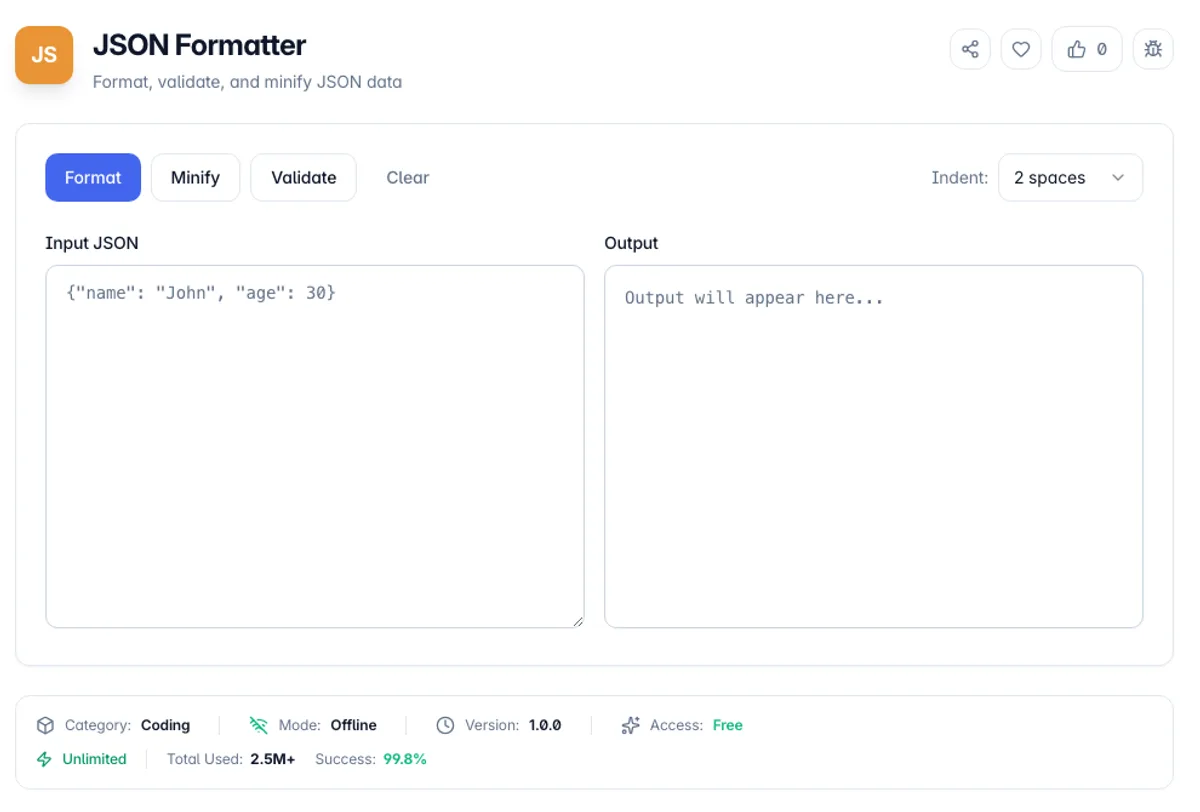
JSON Formatter is a free online tool for formatting, validating, and beautifying JSON (JavaScript Object Notation) data. JSON is a lightweight data-interchange format that is easy for humans to read and write and easy for machines to parse and generate.
Our JSON Formatter helps you transform minified or poorly formatted JSON into clean, readable text with 2, 4 or 8 space indentation. When the JSON will not parse, it shows the parser error message instead of an output, so you can find and fix the problem.
Whether you're a developer debugging API responses, a data analyst working with JSON files, or learning about JSON structure, the tool gives you Format, Minify and Validate buttons over a plain input and output pane. Processing happens client-side, so your JSON is never uploaded; Format and Minify log a usage record that holds only the input length.
Here is a worked example of the JSON beautifier online. Paste the minified `{"user":{"id":7,"tags":["x","y"]}}`, leave Indent on 2 spaces and press Format: the output has nine lines, with `"user"` on its own line and each tag indented six spaces. Press Minify and the same input comes back as one line. Used as a JSON formatter checker, press Validate on `{"a":1,}` and, in a Chrome-based browser, the error reads "Expected double-quoted property name in JSON at position 7 (line 1 column 8)", which points at the trailing comma.
Most JSON that fails to parse fails for one of four reasons, and the first three raise an error. Trailing commas are the commonest: valid in JavaScript, invalid in JSON, and the reason a config copied out of an editor so often will not load. Comments are the second, since JSON has none at all, which is why JSONC and JSON5 exist as separate formats. Single quotes are the third; JSON requires double quotes on both keys and strings. The fourth is subtler and does not raise an error. Numbers are IEEE 754 doubles, so any integer above 9007199254740991 loses precision silently: a 64-bit database id pasted into JSON can come back as a different number. Ids that large belong in strings. Duplicate keys are not an error either, and the last one wins.
How to use JSON Formatter?
Paste your JSON
Copy and paste your JSON data into the input area. The tool accepts both formatted and minified JSON. You can paste data from APIs, config files, or any JSON source.
Format automatically
Press Format to beautify and validate in one step, or Validate to only check it. If the JSON will not parse, the error message from the parser appears above the panes; in Chrome-based browsers it includes the line and column.
Adjust settings
Choose 2, 4 or 8 spaces in the Indent menu and press Format again, or press Minify to remove all whitespace and reduce file size.
Copy the result
Press the copy button above the Output pane to put the formatted JSON on your clipboard. The output is valid JSON, re-serialised from the parsed value, ready to use in your applications.
Key Features
Real-time Validation
Validate checks the input without changing it and shows the parser error message, which includes the line and column in Chrome-based browsers
Consistent indentation
Every nested object and array is indented one level deeper, so the structure is easy to follow at a glance
Format & Minify
Beautify JSON with proper indentation or minify it to reduce file size
Multiple Indent Options
Choose 2, 4 or 8 space indentation to match your coding style
Frequently Asked Questions
Related Tools
Base64 Encoder/Decoder
Encode and decode text to/from Base64 format
CSS Formatter
Beautify messy CSS with clean indentation, or minify it to ship smaller files. Handles nested at-rules, comments, and string literals safely.
PHP Unserialize
Decode and visualize PHP serialized strings, JSON, and Base64 data with tree view
YAML Validator
Validate YAML syntax and convert to JSON format
Comments
0 comments
No comments yet. Be the first to share your thoughts!