What is the JSON to XML Converter?
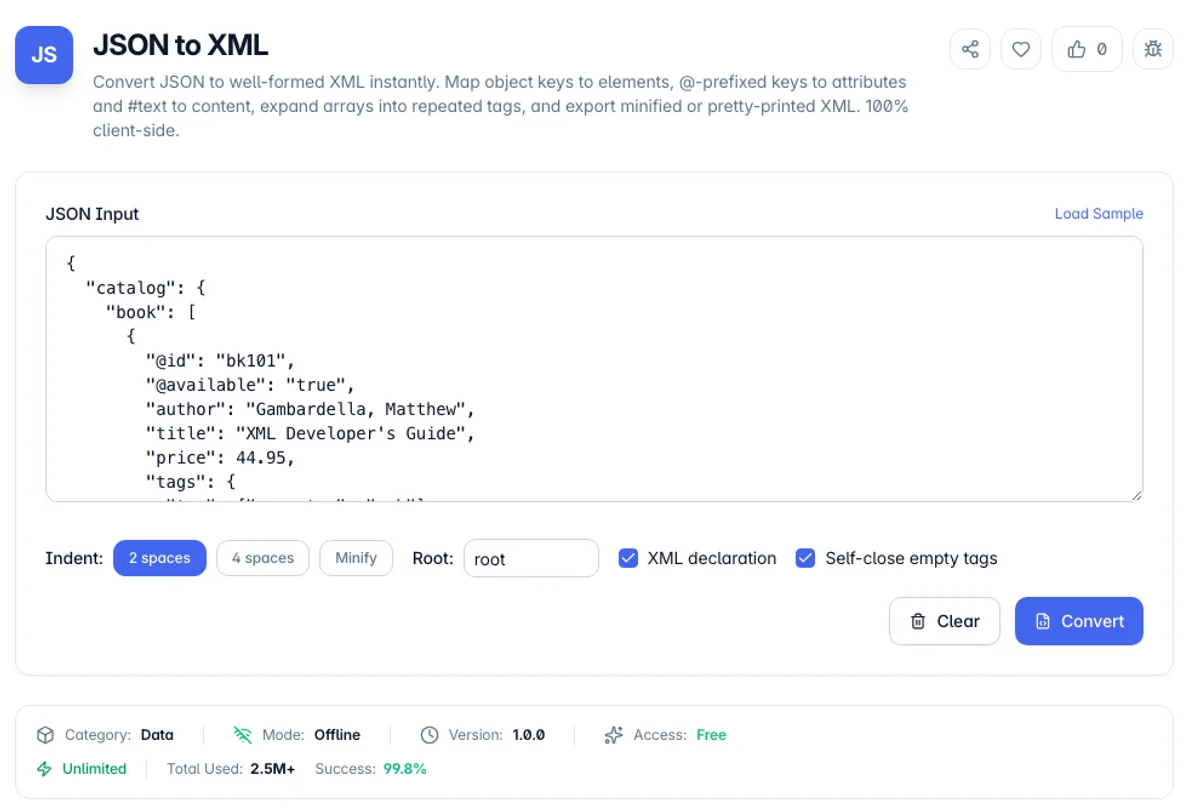
The JSON to XML Converter turns a JSON value - an API response, a config object, a record exported from a database - into a well-formed XML document. Object keys become elements, arrays become repeated sibling elements, and by convention a key prefixed with "@" becomes an attribute while a "#text" key becomes the element's text content. That convention is the exact inverse of how the XML to JSON tool reads a document, so the two round-trip for the common structures.
To convert JSON to XML, paste {"order": {"@id": 42, "item": ["pen", "ink"], "note": "gift"}} and press Convert. The output is an <order id="42"> element holding <item>pen</item>, <item>ink</item> and <note>gift</note>. The single top-level key became the document element, the @id key became an attribute, and the array became two repeated item tags. Because it is an online JSON to XML converter with fixed rules, there is no software to install and the same input always gives the same document.
JSON is the default for modern web APIs, but plenty of systems still speak XML: SOAP web services, RSS and Atom feeds, sitemaps, Android layouts, Office Open XML, and countless enterprise and government data exchanges. When you have data in JSON and a target that demands XML, you need a predictable, rule-based conversion rather than hand-editing angle brackets and hoping the nesting is right.
Everything runs in your browser. The converter is a dependency-free serializer, not a wrapper around a remote API, so your payloads - which often contain tokens, customer records or internal identifiers - never leave the page. Choose pretty-printed or minified output, toggle the XML declaration, decide whether empty nodes self-close, then copy the result or download a .xml file.
XML is stricter than JSON about names, and the conversion has to accommodate that. Element names cannot begin with a digit or contain spaces, so a JSON key like "2024 total" cannot become an element name unchanged and is adjusted rather than silently dropped. JSON arrays have no direct XML equivalent, so they become repeated sibling elements, which means the array boundary is not recoverable from the XML alone: an array of one converts to a single element and reads as a plain value on the way back. Null has no representation in XML and becomes an empty element. Characters with markup meaning are escaped, so ampersands and angle brackets in your data stay data. Round-tripping JSON to XML and back is not lossless.
How to use the JSON to XML Converter?
Paste your JSON
Type or paste a JSON object, array or value into the editor. Load the sample if you want to see how attributes and repeated tags are handled before using your own data.
Set the options
Pick 2 or 4 spaces of indentation or minify to a single line, set the Root element name used when the JSON has no single wrapping key (a top-level array puts each entry in an <item> tag), and decide whether to include the XML declaration.
Convert
Press Convert. Keys starting with @ become attributes, a #text key becomes element content, and every array element is emitted as a repeated tag sharing the parent key's name.
Copy or download
Copy the XML to your clipboard or download it as a .xml file. The output is well-formed and ready to drop into a SOAP body, a feed, or any XML-consuming system.
Key Features
Attribute and Text Conventions
Keys prefixed with "@" are emitted as element attributes and a "#text" key becomes the element's text content - the same convention the XML to JSON tool reads, so data survives a full round trip
Arrays Become Repeated Tags
A JSON array is expanded into repeated sibling elements that share the key name, exactly how collections are represented in XML - no artificial wrapper tags per item
Pretty or Minified Output
Emit human-readable XML with 2 or 4 space indentation for review, or minify to a single line for transport where every byte counts
Safe Escaping
Ampersands and angle brackets in text are escaped to entities, and attribute values additionally escape double quotes, so the output is always well-formed regardless of what your strings contain
Frequently Asked Questions
Related Tools
CSV to XML Converter
Convert CSV data into well-formed XML in the browser. Each row becomes an element or a set of attributes, with delimiter auto-detection, custom element names, and proper escaping.
JSONPath Tester
Test JSONPath expressions against any JSON and see the matched values and their paths instantly. Supports wildcards, recursive descent, slices, and filters. 100% client-side.
XML Formatter
Format, beautify, minify, and validate XML online - preserves comments, CDATA, and attribute order, with clear error reporting
XML to JSON Converter
Convert XML to clean, valid JSON instantly - handles attributes, nested elements, repeated tags, and CDATA
Comments
0 comments
No comments yet. Be the first to share your thoughts!