What is JWT Decoder?
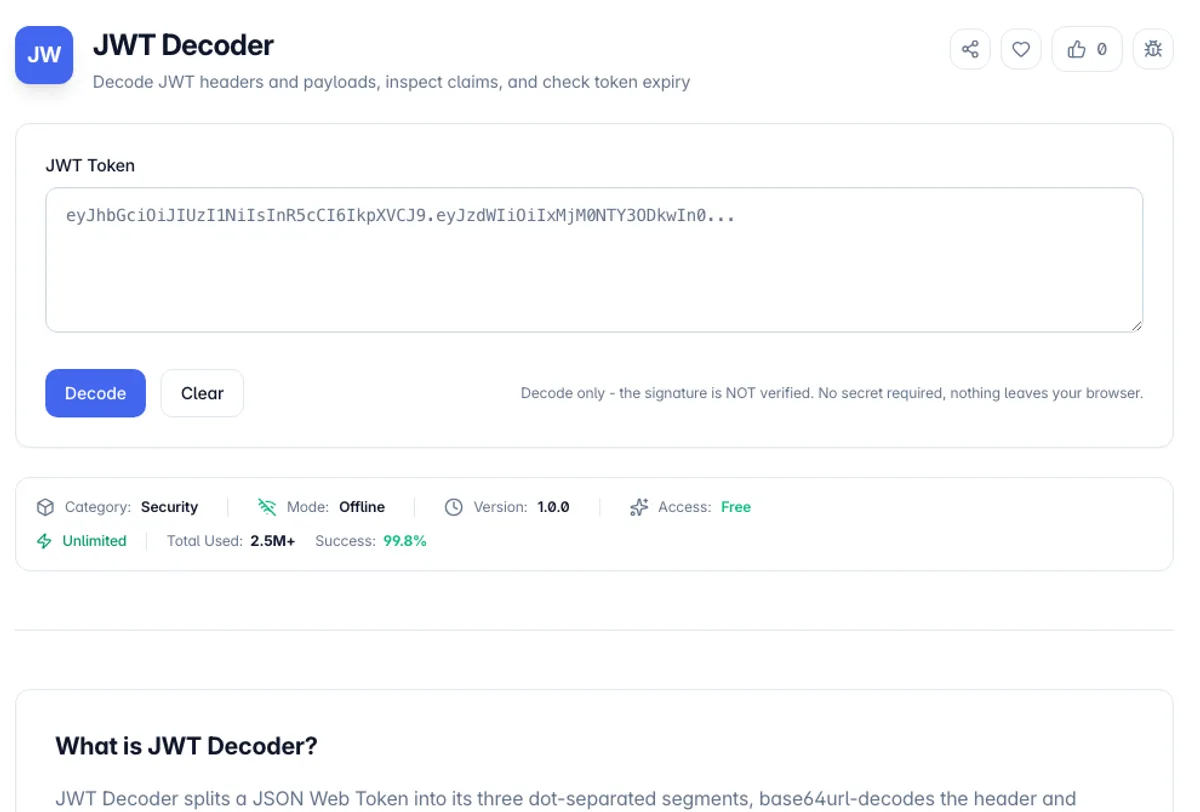
JWT Decoder splits a JSON Web Token into its three dot-separated segments, base64url-decodes the header and payload, and renders both as formatted JSON. JWTs are not encrypted - the "encoding" is just base64url, a reversible transform - so anyone holding a token can read every claim inside it. This tool makes that inspection instant: paste a token from a Set-Cookie header, an Authorization header (the Bearer prefix is stripped automatically), or your auth provider's dashboard, and see exactly what your server put in there.
The claims table is where debugging happens. Registered time claims - exp (expiration), iat (issued at), and nbf (not before) - are Unix timestamps, useless to read raw. The decoder converts each to a UTC date and a relative time, shown as "Expired (3 hours ago)" or "Valid (expires in 14 minutes)", and flags expired tokens in red. Most "401 Unauthorized, but the token looks fine" incidents come down to an expired exp, a clock-skewed nbf, or an aud claim that does not match what the API validates - all visible here in two seconds.
One thing this tool deliberately does not do: verify signatures. Verification requires the signing secret (HS256) or public key (RS256/ES256), and a client-side tool asking you to paste an HMAC secret would be teaching bad habits. Decoding is 100% client-side - the token never leaves your browser, hits no server, and appears in no request log, which matters because a live production JWT is a bearer credential. Anyone who has it, is you.
Decoding is not verifying, and the distinction is the whole security model of a JWT. The header and payload are Base64url, not encrypted, so anyone holding a token can read every claim in it without any key at all. What the signature provides is proof that the contents have not been altered, and checking it requires the secret or public key, which is a server-side operation. Treat the payload as public information: never put anything sensitive in it.
A quick way to decode a JWT token online and check the result: paste Bearer eyJhbGciOiJIUzI1NiIsInR5cCI6IkpXVCJ9.eyJzdWIiOiI0MiIsImlhdCI6MTc2NzIyNTYwMCwiZXhwIjoxNzY3MjI5MjAwfQ.sig and click Decode. The Bearer prefix is dropped, the Header panel shows {"alg": "HS256", "typ": "JWT"}, and the Payload panel, which works as a JWT payload viewer with its own Copy button, shows sub "42", iat 1767225600 and exp 1767229200. The claims table turns those into 2026-01-01T00:00:00.000Z and 2026-01-01T01:00:00.000Z, and marks exp as Expired. The signature segment here is the placeholder text sig, and the tool still decodes the token, because it never checks the signature.
How to use JWT Decoder?
Paste your token
Drop the JWT into the input area. Grab it from the Authorization header in your browser DevTools Network tab, a cookie, localStorage, or a curl response. A leading "Bearer " prefix and surrounding whitespace are stripped automatically, so you can paste the full header value without cleanup.
Read the decoded header and payload
Both segments render as formatted JSON side by side. The header tells you the signing algorithm (alg: RS256, HS256, etc.) and key ID (kid) - useful when your JWKS rotation is misbehaving. The payload holds the claims: sub, iss, aud, scopes, roles, and whatever custom data your auth layer added.
Check the claims table for expiry
Time claims (exp, iat, nbf) are decoded from Unix seconds into readable dates with relative times. An expired exp shows in red with exactly how long ago it lapsed; a valid one shows in green with time remaining. If nbf is in the future - usually clock skew between your servers - the token will be rejected even though it "looks" fine.
Remember: decoded, not verified
This tool never checks the signature - that requires the secret or public key and belongs on your server, not in a browser tool. Never treat decoded claims as trusted input: an attacker can mint a token with any payload they want. Only a verified signature proves the claims came from your issuer unmodified.
Key Features
Instant Header + Payload Decode
Base64url decoding in pure TypeScript - both JSON segments formatted and readable immediately
Expiry Detection
exp claim flagged red when expired, green when valid, with exact relative time either way
Humanized Time Claims
exp, iat, and nbf converted from raw Unix seconds to ISO dates and "3 hours ago" style phrasing
Bearer-Prefix Tolerant
Paste the whole Authorization header - "Bearer " and stray whitespace are stripped automatically
Frequently Asked Questions
Related Tools
Bcrypt Generator
Generate and verify bcrypt password hashes in the browser with an adjustable cost factor
JWT Generator
Generate and sign JSON Web Tokens with HS256, HS384, or HS512, add standard claims, and copy the token. Runs client-side.
Password Generator
Generate strong, random passwords with custom character sets and strength analysis
Password Strength Checker
Test how strong a password is with an entropy-based strength meter, estimated crack times, and specific suggestions to make it harder to guess - all processed privately in your browser.
Comments
0 comments
No comments yet. Be the first to share your thoughts!