What is Merge PDF?
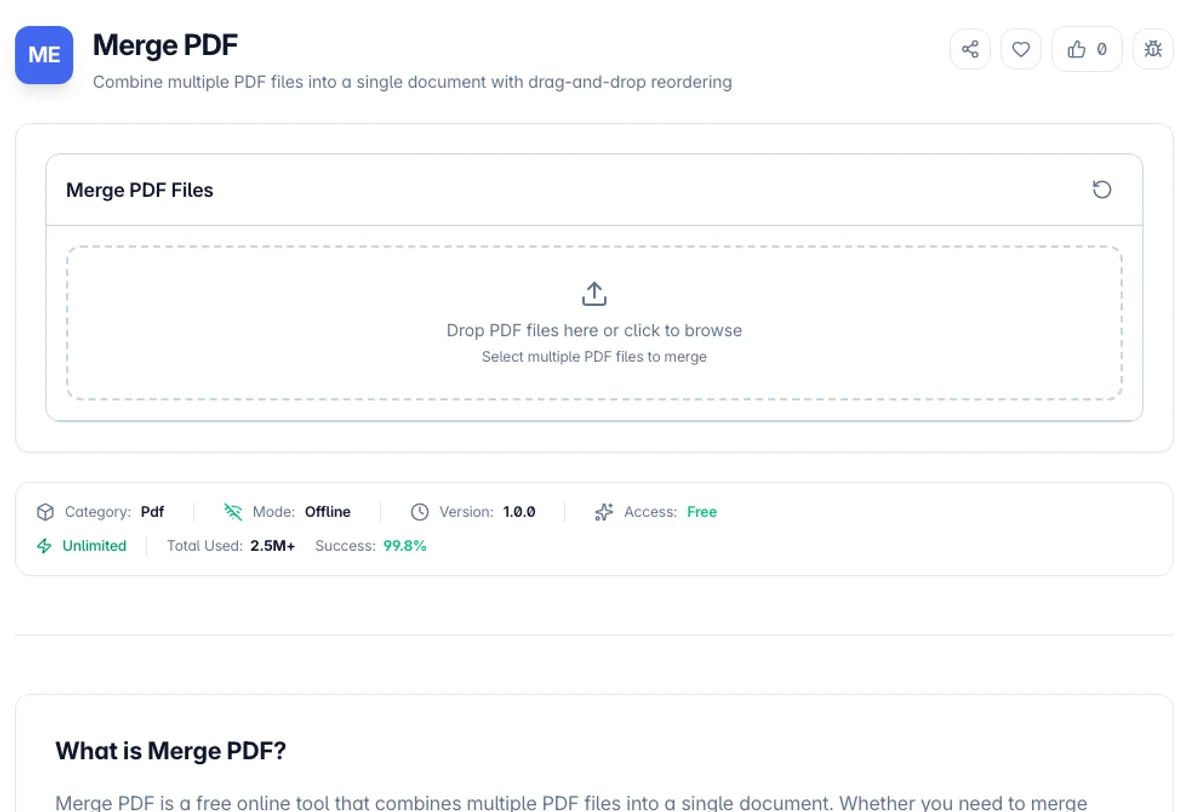
Merge PDF is a free online tool that combines multiple PDF files into a single document. Whether you need to merge reports, combine scanned pages, or join related documents, this tool makes it easy with a simple drag-and-drop interface.
The tool lets you add multiple PDF files and reorder them by dragging and dropping before merging. This gives you full control over the final page order. The merged output preserves the formatting, page dimensions and image quality of each source document.
All PDF processing happens entirely in your browser using client-side technology. Your files are never uploaded to any server, making this the most private way to merge PDFs online. There are no file size limits, no watermarks, and no registration required.
Two things are worth knowing before you merge. Pages are copied object for object, so text stays selectable and images keep their original resolution, but the document outline does not come across: if either input carried bookmarks, the merged file will not. Interactive form fields behave the same way, so a filled AcroForm is safer flattened before merging. Memory is the other constraint. Every file is held in the tab while it works, so a few hundred megabytes of scans can exhaust a browser that would handle the same job comfortably on the desktop. If a file refuses to load at all, it is almost always password-protected, and the password has to come off in a reader first. Order comes from the list on screen rather than from filenames, so arrange the files before you download.
How to use Merge PDF?
Add PDF files
Drag and drop multiple PDF files onto the tool or click to browse and select them from your device. Add as many files as you need.
Reorder files
Drag and drop the files to arrange them in the order you want them to appear in the merged document.
Merge the PDFs
Click the merge button to combine all selected files into a single PDF document. The process takes just seconds.
Download the result
Download the merged PDF file to your device. The combined document is ready to share, print, or archive.
Key Features
Keeps Text Selectable
Pages are copied as they are rather than rasterised, so text, links and fonts in the merged file work exactly as they did in the originals
Drag-and-Drop Reordering
Easily rearrange PDF files by dragging and dropping to control the order of pages in the merged document
Preserves Quality
The merged PDF maintains the original quality, formatting, and metadata of all source documents
No File Limits
Merge as many PDF files as you need with no restrictions on file size or number of documents
Frequently Asked Questions
Related Tools
Add Blank Page to PDF
Insert a blank page at any position in your PDF document. Choose page size (A4, Letter, or match existing pages).
Compress PDF
Reduce PDF file size by repacking the document structure, without re-encoding text or images
Organize PDF
Rearrange, rotate, duplicate, and delete pages in your PDF document
Split PDF
Split a PDF file into multiple documents by page ranges
Comments
0 comments
No comments yet. Be the first to share your thoughts!