What is Split PDF?
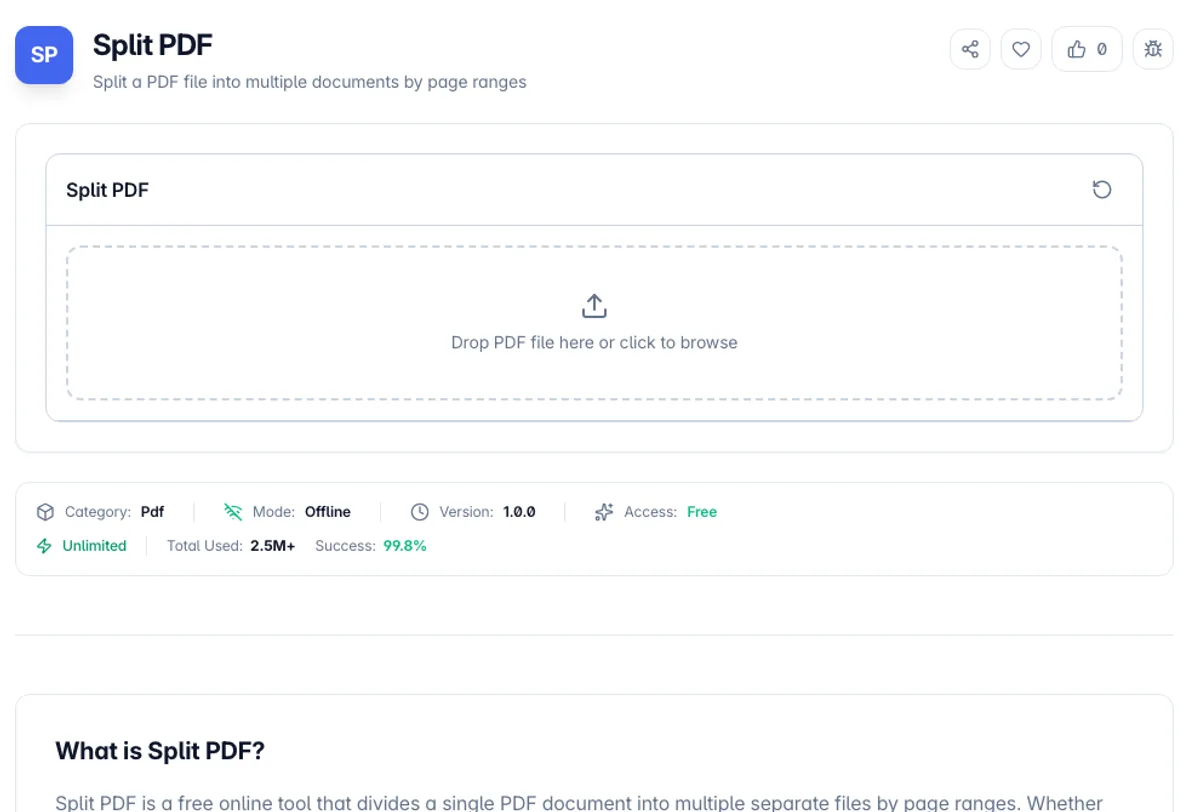
Split PDF is a free online tool that divides a single PDF document into multiple separate files by page ranges. Whether you need to extract a chapter from a textbook, separate invoice pages, or break a large document into smaller sections, this tool makes it quick and easy.
Each output file is a Part with its own From and To page numbers (for example 1 to 5, 6 to 10, 11 to 15). Add Range creates another Part, and a Part of a single page, such as 7 to 7, gives you a one-page file. Each resulting file is a complete, standalone PDF that maintains the original formatting and quality.
All PDF splitting happens entirely in your browser. Your documents are never uploaded to any server, making this the safest way to split sensitive or confidential PDFs. There are no watermarks and no registration, and because nothing is uploaded there is no upload size cap.
A worked example: to split a PDF into multiple files, load a 12-page report.pdf. Part 1 starts as 1 to 12, so change it to 1 to 5, click Add Range, and set Part 2 to 6 to 12. The button now reads Split into 2 Parts. With ZIP Archive selected, you get report_split.zip holding report_pages_1-5.pdf (5 pages) and report_pages_6-12.pdf (7 pages). To split a PDF document by pages, one file per page, add one Part per page; there is no automatic one-click mode for that.
Splitting copies the selected pages into fresh documents rather than rewriting the original, so each output keeps the fonts, images and page dimensions it started with. The limits follow from that. Bookmarks pointing into the original are not carried across, and a link that jumps to another page of the document stops working in the split files. Very large documents are held in memory while the split runs, so a 500-page scan can be slow on a phone and comfortable on a laptop. Ranges are inclusive and one-based, so 1 to 5 gives you five pages, and a number past the last page is changed to the last page. If nothing loads, check whether the file is password-protected: encrypted PDFs have to be unlocked in a reader first.
How to use Split PDF?
Upload your PDF
Drag and drop a PDF file or click to browse and select one from your device. The tool shows the file size and total page count.
Define split ranges
Set the From and To page numbers for Part 1, then click Add Range for each further file you want. Remove a Part with its X button.
Choose how to download
Under Download As, pick ZIP Archive for one zip file or Individual Files for one download per Part.
Split and download
Click Split into N Parts. Each Part becomes a separate PDF named after the original with its page range added, such as report_pages_1-5.pdf.
Key Features
Ranges, or One File Per Page
Define explicit page ranges for chapters, or give each page its own Part and take the whole set down as a zip
Custom Page Ranges
Any number of Parts, each with its own start and end page, and Parts may overlap if two files need the same pages
ZIP or Separate Downloads
Get every Part in one ZIP Archive, or as Individual Files downloaded one after another
Preserves Quality
Each split PDF maintains the original formatting, fonts, images, and quality of the source document
Frequently Asked Questions
Related Tools
Extract PDF Pages
Extract specific pages from a PDF document and create a new PDF. Select individual pages or page ranges to extract.
Merge PDF
Combine multiple PDF files into a single document with drag-and-drop reordering
Organize PDF
Rearrange, rotate, duplicate, and delete pages in your PDF document
Remove Blank Pages
Find and delete blank pages from a PDF by analysing what each page draws, then download the cleaned file.
Comments
0 comments
No comments yet. Be the first to share your thoughts!