What is Text Diff Checker?
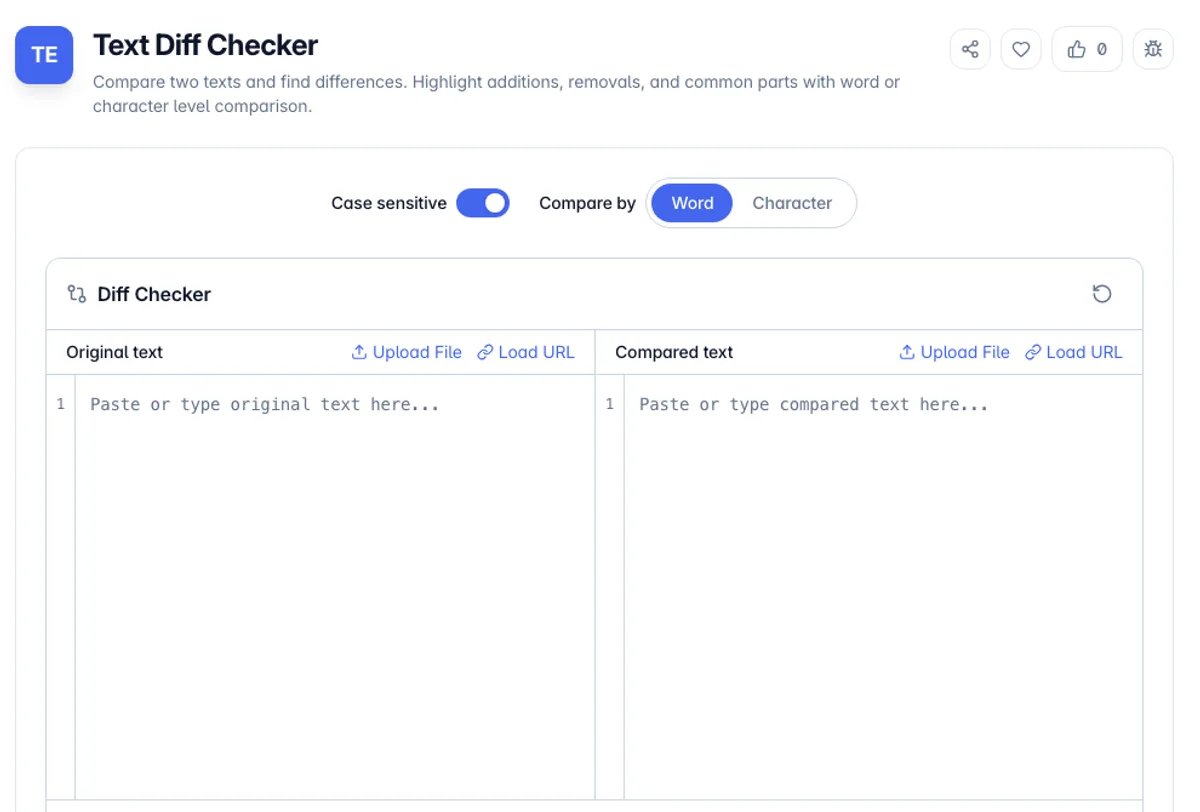
Text Diff Checker is a free online tool that compares two blocks of text and highlights the differences between them. It clearly shows additions, deletions, and modifications, making it easy to see exactly what changed between two versions of a document, code file, or any text content.
The tool supports both word-level and character-level comparison modes, allowing you to choose the granularity that best suits your needs. Whether you are reviewing code changes, tracking document revisions, or proofreading edited content, the visual diff makes it simple to spot every modification.
All comparison processing happens locally in your browser, so your text data remains completely private. The tool works with any type of text including code, prose, configuration files, and more, up to a few thousand words per side, because the comparison is rebuilt in full every time either text changes.
Choosing the comparison level changes what you see. Word level is the right default for prose, since it shows a changed sentence as a few altered words rather than as a wall of character-by-character noise. Character level is better for code, identifiers and anything where a single letter matters. The differences that catch people out are the invisible ones. Two files that look identical often differ in line endings, because Windows ends lines with a carriage return and a line feed while everything else uses a line feed alone, and that difference is real to a diff and invisible on screen. Trailing whitespace behaves the same way. A non-breaking space pasted from a web page or a word processor is another: it looks exactly like a space and is a different character.
Try this diff text checker on one short line to see how the result is counted. Type The quick brown fox as the Original text and The quick red fox as the Compared text, with Compare by set to Word. The Comparison result shows brown struck through in red, red highlighted in green, and the rest plain, and the counters read Common: 6, New: 1, Removed: 1. Common is 6 rather than 3 because the spaces between words are counted as tokens too. Switch to Character and the same edit is broken into single letters, which is the view this text compare tool offers for identifiers and codes.
How to use Text Diff Checker?
Paste the original text
Enter or paste the original version of your text into the Original text pane, or use Upload File or Load URL above it. This serves as the base for comparison.
Paste the modified text
Enter or paste the modified version of your text into the right input area. The tool will compare this against the original.
Set the comparison options
Choose Compare by Word or Character, and turn Case sensitive off if capitalisation changes should not count. There is no compare button: the Comparison result updates a moment after you stop typing, or right away when you change an option.
Review the differences
Examine the highlighted output where additions appear in green, deletions in red, and common text remains unchanged. Toggle between word-level and character-level views.
Key Features
Word or Character Comparison
Compare by word for prose, where a rewritten sentence should read as one change, or by character for URLs and identifiers that differ by a single digit
Visual Diff Highlighting
Color-coded output clearly shows additions in green and deletions in red for instant understanding
Upload a File or Load a URL
Fill either pane from a local text or code file (.txt, .md, .json, .xml, .html, .css, .js, .ts, .jsx, .tsx) or from a URL that allows cross-origin requests
Side-by-Side Inputs, Inline Result
Edit the original and compared text side by side with line numbers, then read one merged result below where removed text is struck through and new text is highlighted
Frequently Asked Questions
Related Tools
String Reverse
Reverse any text string instantly. Supports file upload and URL loading with auto-reverse option.
Word Counter
Free online word counter - count words, characters, sentences, paragraphs and reading time
Word Frequency Counter
Count how often each word appears in your text and rank the results by frequency. Filter stop words, set a minimum length, and copy the table. Client-side, no signup.
AI Text Humanizer
Rewrite the habits that make prose read as machine-written - inflated vocabulary, hedge phrases, em dashes, and connective filler.
Comments
0 comments
No comments yet. Be the first to share your thoughts!