What is YAML Validator?
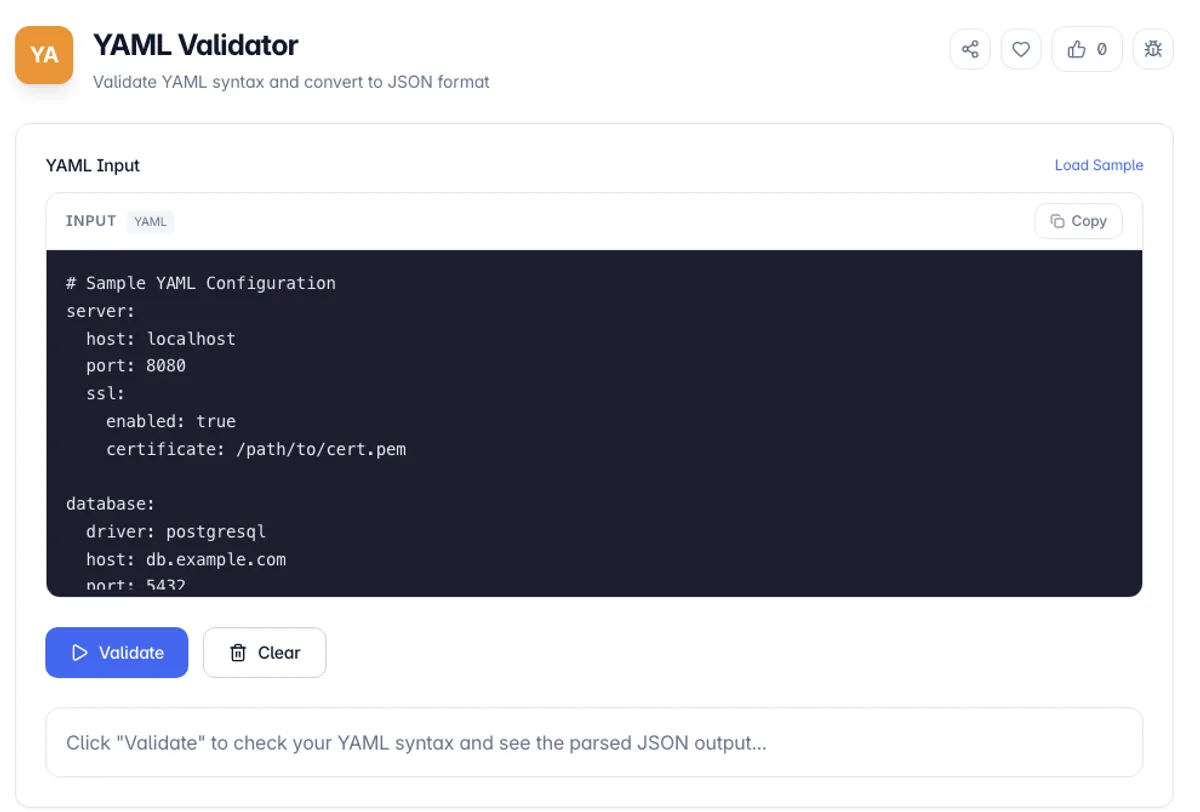
YAML Validator is a free online tool for validating YAML (YAML Ain't Markup Language) syntax and converting it to JSON format. YAML is a human-readable data serialization standard commonly used for configuration files and data exchange between languages with different data structures.
Our YAML Validator instantly checks your YAML for syntax errors and provides detailed error messages with line and column numbers to help you quickly identify and fix issues. When your YAML is valid, it displays the parsed JSON output for easy verification.
Whether you're a DevOps engineer working with Kubernetes manifests, a developer managing application configs, or anyone working with YAML files, our tool provides instant validation with clear feedback. All processing happens in your browser, ensuring your configuration data remains private and secure.
YAML is readable and full of traps, and validation catches most of them. Tabs are the first: they are forbidden as indentation anywhere in the file, so an editor set to insert tabs will produce something that cannot parse no matter how right it looks. The second is type coercion, and it is famous. Under YAML 1.1 rules the unquoted words yes, no, on and off are booleans, which is why a country list containing NO for Norway comes back as false. Version numbers behave similarly: 1.10 is a float and reads as 1.1, while 1.10.2 is a string. Quote anything that should stay text. Duplicate keys are the third, accepted silently by some parsers and rejected by others, which makes them a genuine source of environment-specific bugs.
How to use YAML Validator?
Enter your YAML
Paste or type your YAML content into the input area. The tool accepts any valid YAML syntax including nested structures, arrays, and anchors.
Click Validate
Press the Validate button to check your YAML syntax. The tool will parse your YAML and detect any syntax errors or structural issues.
Review results
If valid, you'll see a success message with the parsed JSON output. If there are errors, you'll get detailed messages showing the exact line and column where the issue occurs.
Copy output
Use the copy button to copy the validated JSON output to your clipboard for use in your projects.
Key Features
Instant Validation
Validate YAML syntax with one click and get immediate feedback on any errors
Detailed Error Messages
Get precise error messages with line and column numbers to quickly locate issues
JSON Conversion
Valid YAML is automatically converted to formatted JSON for easy verification
Syntax Highlighting
Color-coded output display makes JSON structure easy to read and understand
Frequently Asked Questions
Related Tools
Base64 Encoder/Decoder
Encode and decode text to/from Base64 format
CSS Formatter
Beautify messy CSS with clean indentation, or minify it to ship smaller files. Handles nested at-rules, comments, and string literals safely.
JSON Formatter
Format, validate, and minify JSON data
Regex Builder
Build, test, and debug regular expressions with real-time matching and a comprehensive cheatsheet
Comments
0 comments
No comments yet. Be the first to share your thoughts!