Drop your PDF here or click to browse
Select a PDF file to rotate pages
What is Rotate PDF Pages?
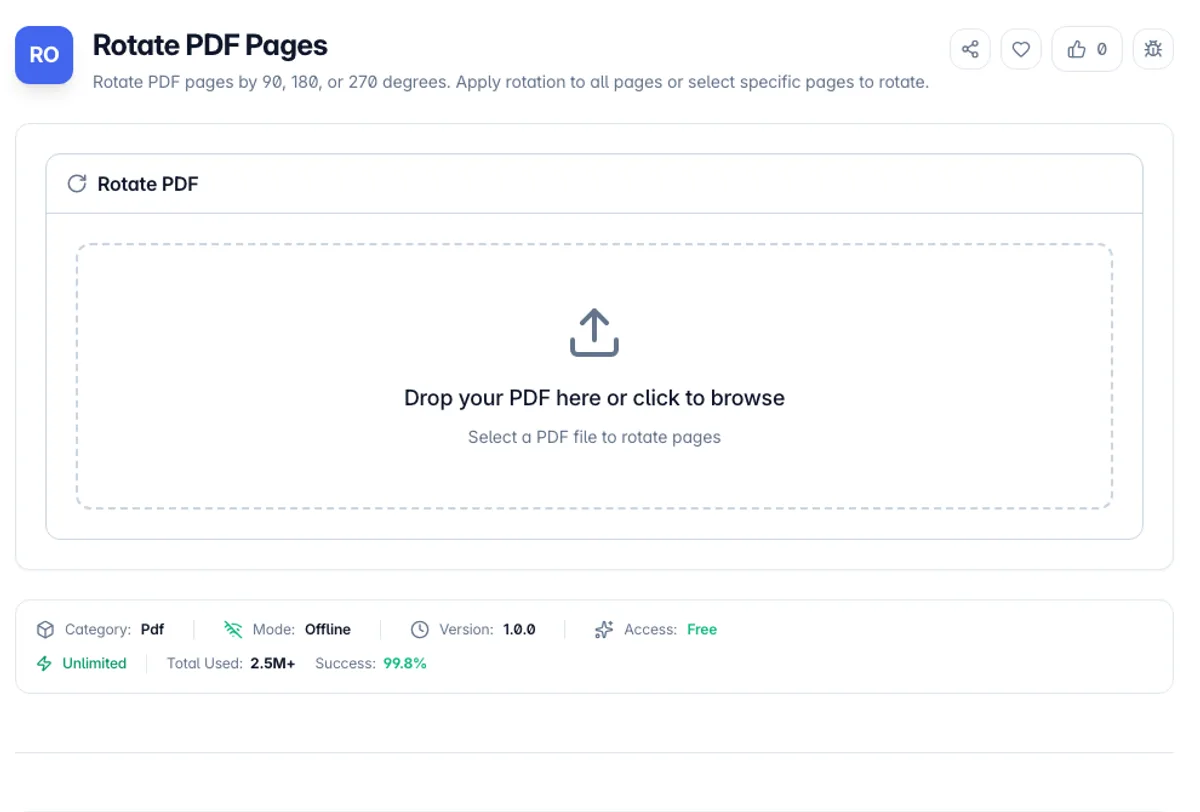
Rotate PDF Pages is a free online tool that lets you rotate pages in your PDF document by 90, 180, or 270 degrees. Fix upside-down scans, correct landscape/portrait orientation issues, or align pages that were scanned at the wrong angle.
You can apply rotation to all pages at once or select specific individual pages to rotate. In Specific Pages mode each page appears as a numbered tile you click to select, and a preview line spells out what will happen, such as how many pages turn and by which angle, before you download.
All PDF rotation happens entirely in your browser. Your documents are never uploaded to any server, making this the most secure way to fix page orientation online. The rotated PDF maintains the original quality and formatting of all content.
Rotation here changes a flag, not the page. Each page carries a rotation value that viewers apply when drawing it, and the tool adds your angle to whatever is already there, so a page that arrives at 90 degrees and gets another 90 ends up at 180. Nothing is re-rendered, which means no quality is lost and the change is fully reversible: rotate by 270 to undo a 90. It also means text stays selectable and searchable at any angle. The catch is that some viewers and printers ignore the flag, particularly older print drivers, so a page that looks right on screen can still print sideways. If that happens, the fix is at the printer rather than in the file. Encrypted PDFs must be unlocked before they will load. The existing rotation of each page is read first and your angle added to it, so a document whose pages already disagree with each other stays consistent relative to itself.
Take a 12-page scan named scan.pdf where pages 4 and 9 came out sideways. To rotate individual PDF pages like these, choose Specific Pages, click tiles 4 and 9, and pick 90. The preview reads "Rotate 2 selected pages by 90 clockwise", and Rotate & Download saves scan_rotated.pdf with all 12 pages, only two of them turned. If the whole scan is sideways instead, switch to All Pages and the preview reads "Rotate all 12 pages by 90 clockwise". Both ways to rotate some pages or all pages in a PDF use one angle per run.
How to use Rotate PDF Pages?
Upload your PDF
Drag and drop a PDF file or click to select one from your device. The file name, size and page count appear once it loads.
Select pages to rotate
Choose All Pages, or choose Specific Pages and click the numbered tiles of the pages that need orientation correction. Select All and Select None speed up long documents.
Choose rotation angle
Select the rotation angle: 90 degrees clockwise, 180 degrees, or 270 degrees (90 degrees counter-clockwise).
Download the rotated PDF
Click download to save the PDF with the rotated pages. All other pages remain in their original orientation.
Key Features
Rotate Selected Pages Only
Apply a rotation to the whole document or to specific pages, which is what a scan containing one sideways landscape table needs
Multiple Rotation Angles
Rotate pages by 90, 180, or 270 degrees to fix any orientation issue
Selective Rotation
Rotate all pages at once or select specific individual pages for targeted correction
Numbered Page Picker
Click numbered page tiles to choose pages, with a running count and a preview line that states exactly what the download will contain
Frequently Asked Questions
Related Tools
Add Blank Page to PDF
Insert a blank page at any position in your PDF document. Choose page size (A4, Letter, or match existing pages).
Extract PDF Pages
Extract specific pages from a PDF document and create a new PDF. Select individual pages or page ranges to extract.
Posterize PDF
Split large PDF pages into multiple smaller pages for poster printing
Reverse PDF Page Order
Reverse the order of pages in your PDF document. The last page becomes first, and the first becomes last.
Comments
0 comments
No comments yet. Be the first to share your thoughts!